The New Way to Get the Pictures on Your Phone Into a Printed Book
My grandma Joyce was sure she wasn’t a computer person. Then I helped her make her own photo book.
 By Juliann · 5 min read
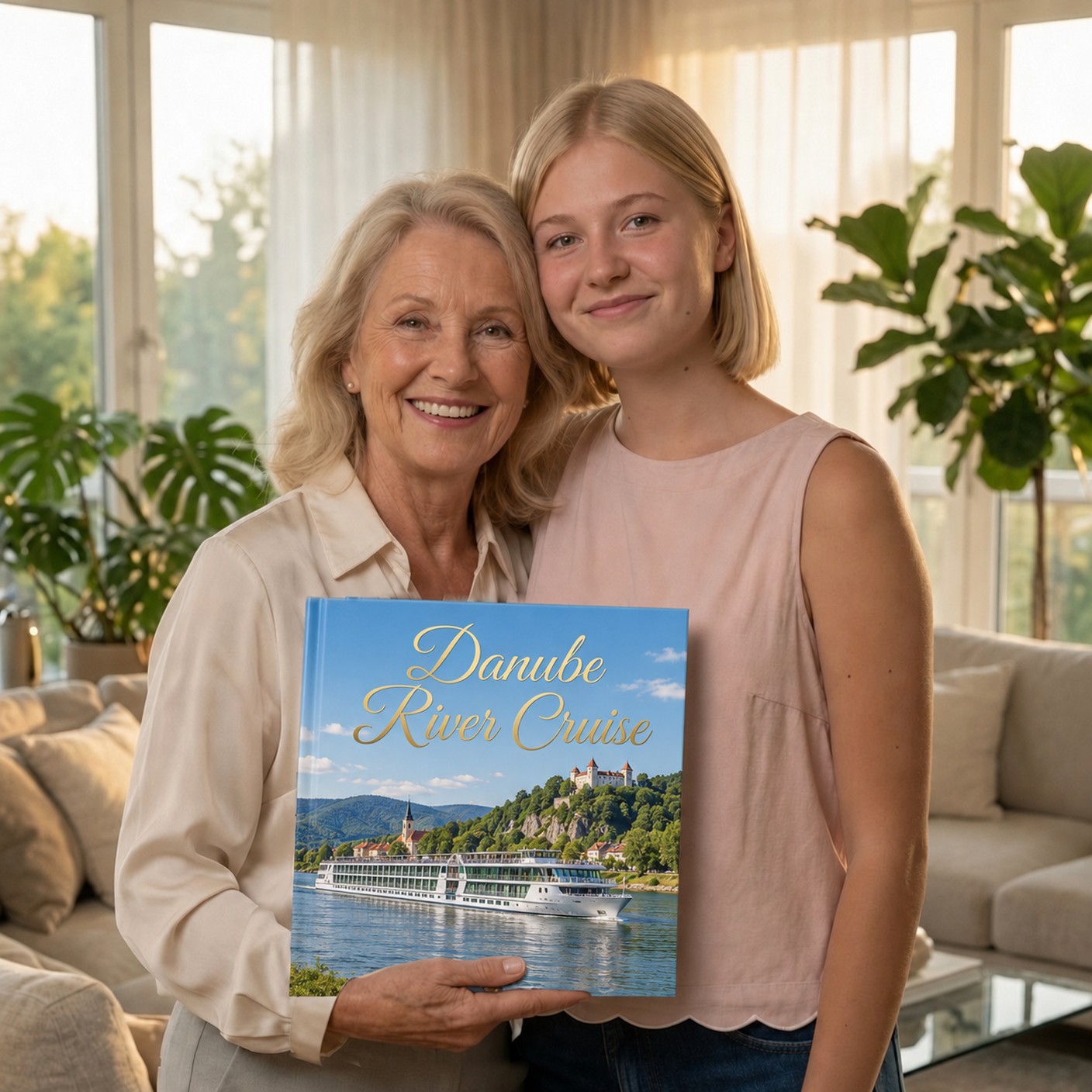
You remember how photo albums used to be made, right? You’d drop off your film, pick up your prints, and slide them into the pages one by one. Even if you still make them that way, you’ve probably heard there’s a new way.
Now, more and more people make them on photo book printing websites. It makes a lot more sense to do it the new way, because our pictures are already on our phones. And that makes it easy to get started. Well, at least it was easy for me, since I grew up with technology. My grandma Joyce had some trouble, and I’d like to tell you how I helped her, and how you can do it too.
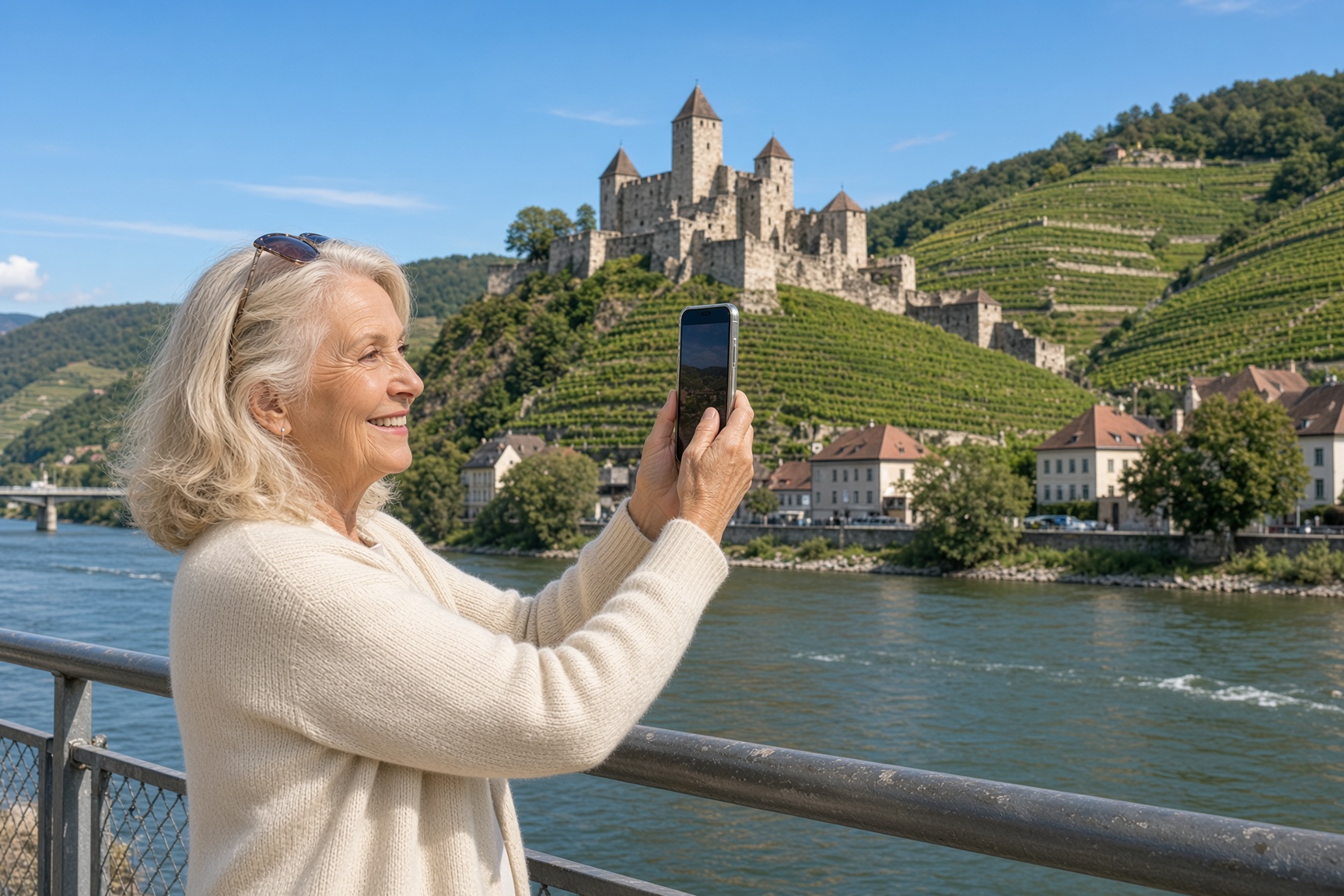
My grandma has hundreds of pictures on her phone. Bus tours with her girlfriends. A week at the lake with all of us. A river cruise down the Danube she still talks about. All of those wonderful memories, and the only place she can see them is on a little glass screen she has to squint at.
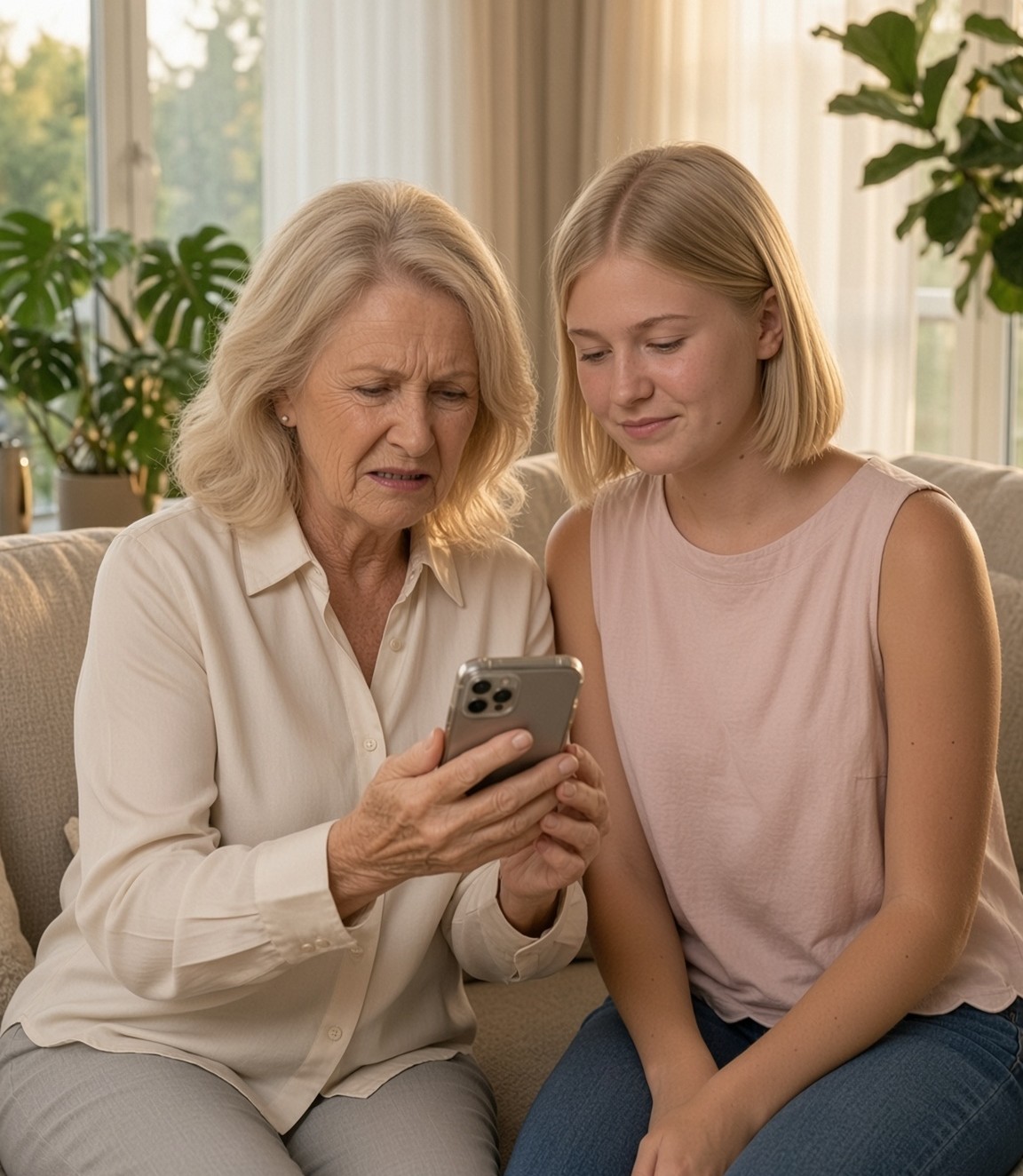
When she got back from her Danube cruise, I couldn’t wait to see her pictures. We sat on the couch, and she held her phone between us so I could see. But it didn’t go the way either of us hoped. The screen was so small we had to lean in shoulder to shoulder. Every few swipes she’d stop and say, “Oh, skip that one.” There were five pictures of the same church, a blurry one of her feet, and a screenshot of the dinner menu. She’d swipe too far, go back, lose her place, and start hunting again. I could see her getting flustered. She was so busy sorting out what not to show me that neither of us could just enjoy the trip. After a while she set the phone down, sighed, and said, “It’s no good looking at pictures on a phone.”
She missed having an album. Something she could hold, leave on the coffee table, and flip through with a friend over coffee.
“You can still make one,” I told her. “It’s just done a little differently now.”
Grandma wasn’t so sure. “Oh, Juliann, honey. I’m just not a computer person.”
So the next time I came over, we sat down at her laptop together. She did all the clicking. I just sat beside her and told her what to press. Like with anything new, a little guidance from someone who’s done it before made all the difference.
Here’s how photo albums are made today
Here’s what I showed her, one step at a time.
1Decide what your book is about.
I suggested Grandma pick just one theme for her book. She had just gotten back from her Danube cruise, so that’s what she wanted hers to be about. Yours could be a trip, a summer, the grandkids, or a birthday. Once you know what your book is about, it’s much easier to stay focused, because you’re only looking for the pictures that fit.
2Send your pictures from your phone to the photo book website.
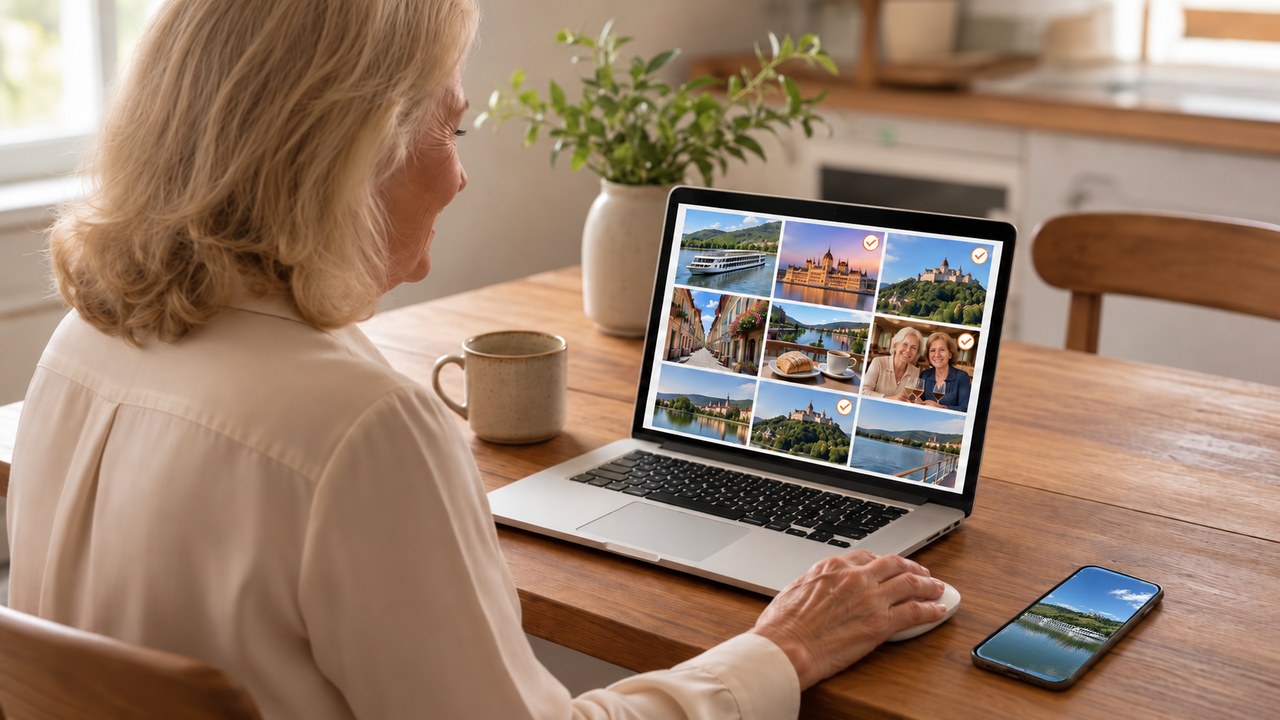
Getting the pictures off her phone was a mystery to Grandma. She had no idea how to do it. But you don’t need any cables, and you don’t have to print anything. Once I showed her which buttons to press to send her pictures straight to the photo book website, the transfer took just a few minutes. And just like that, she was ready for the next step: picking out her favorites to include in her book.
3Pick your favorites.
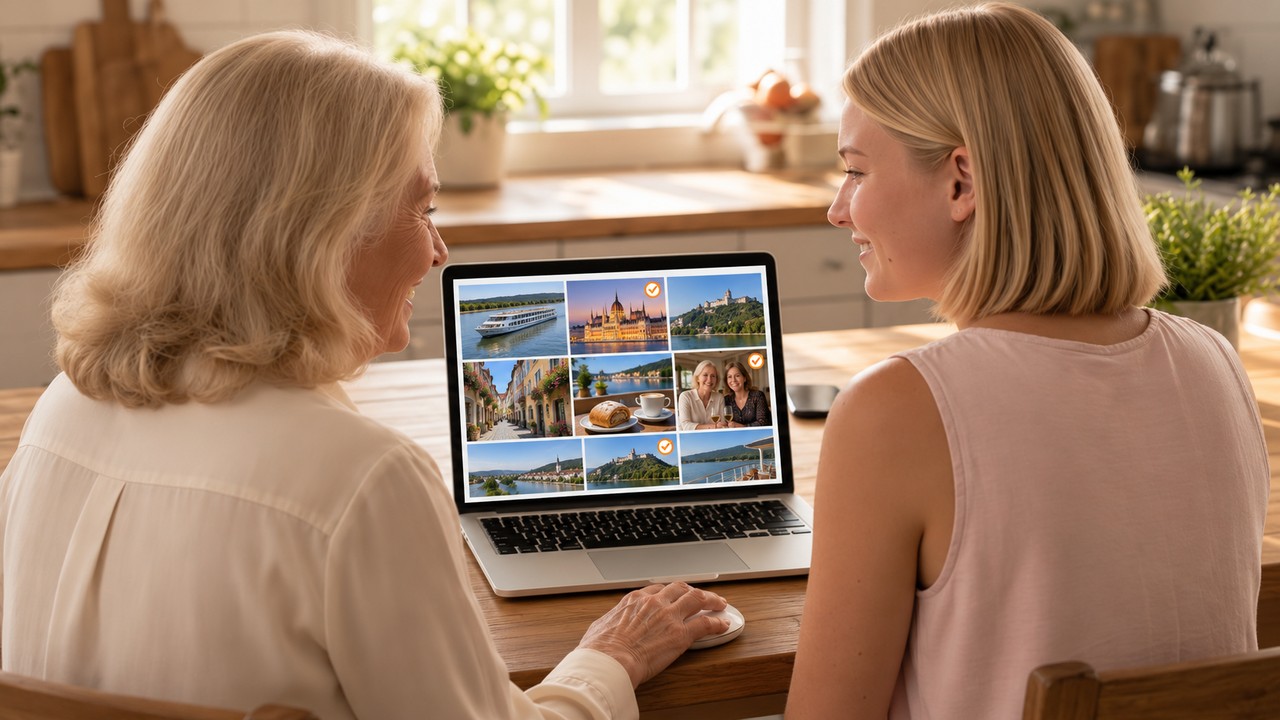
Grandma said this part felt just like spreading pictures across the kitchen table, picking out the ones she liked best, and setting aside the ones she didn’t want in her album. But it all happens right on your computer, and it’s easy. You keep the good ones and skip the blurry ones and the ones that look almost the same.
4Arrange each page exactly the way you want it.
This is the step that feels the hardest, and Grandma was a little overwhelmed going into it, and worried she’d mess it up. It’s also the step that takes the most time, just like arranging the pictures on each page takes the longest when you make a traditional photo album. Here’s what I showed her, right on her computer screen:
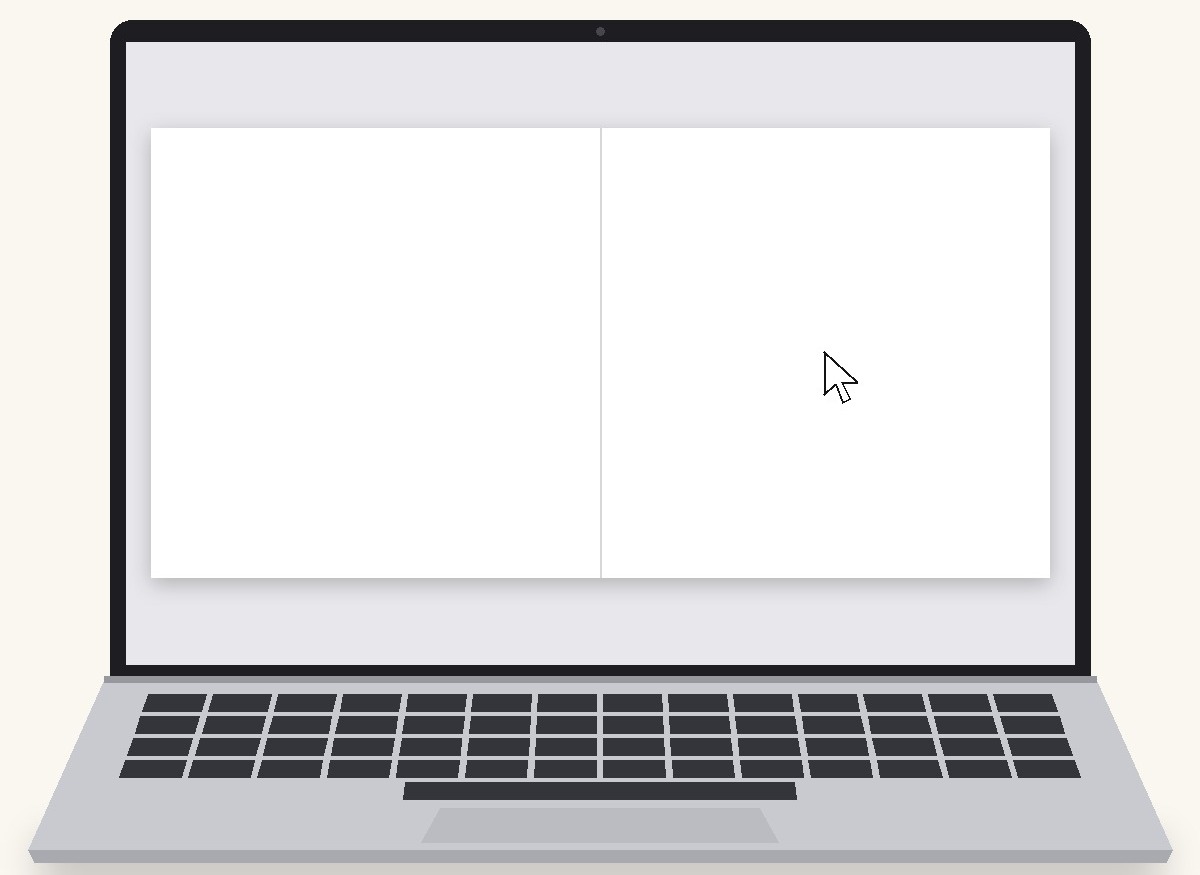
You’ll begin with a blank page to add your pictures and words to
I told Grandma to think of the screen as her book lying open on the table. Whatever she put on those pages, a picture or a few words, would be printed in that exact spot. Her book would arrive looking just the way she made it, and that’s when it clicked for her.
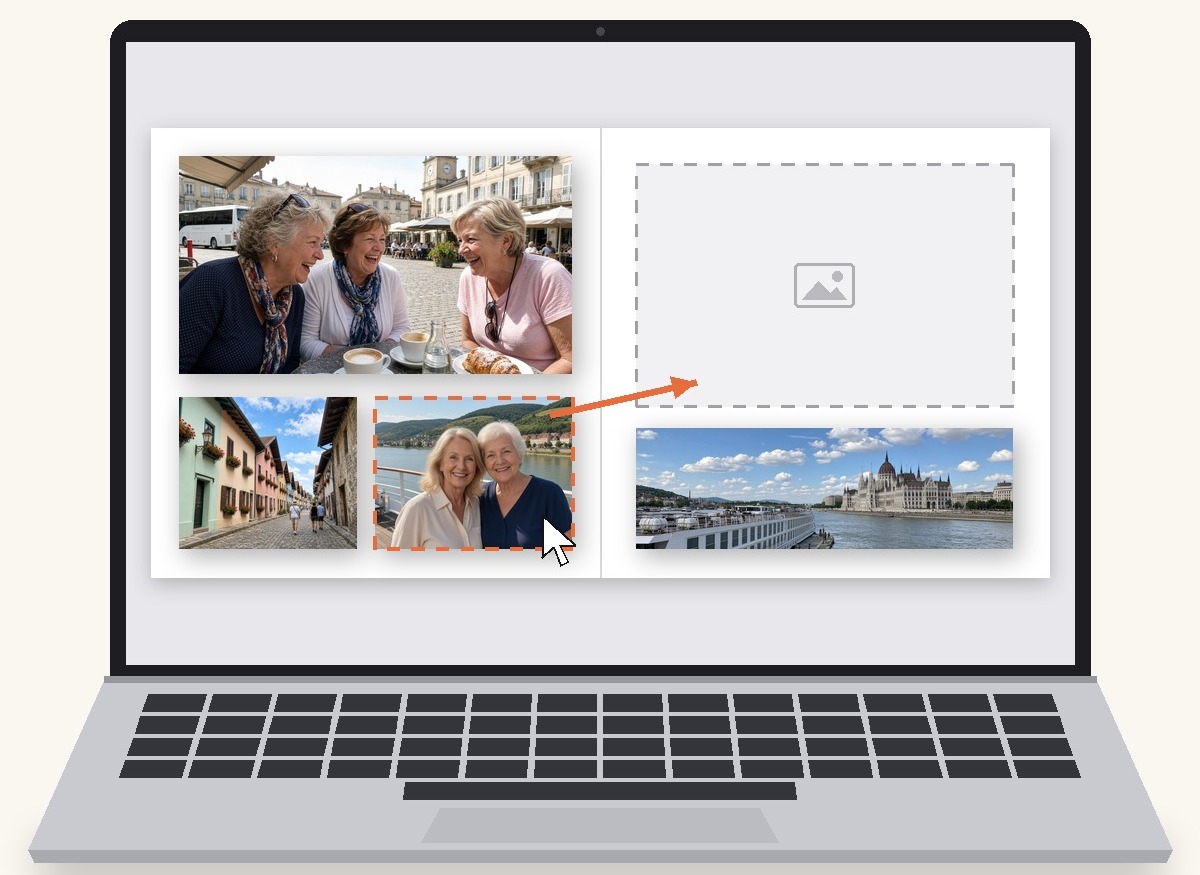
Slide a picture anywhere
This was the first thing I had Grandma try. Click on a picture, hold the button down, and move your mouse. The picture follows along, and you let go wherever you want it.
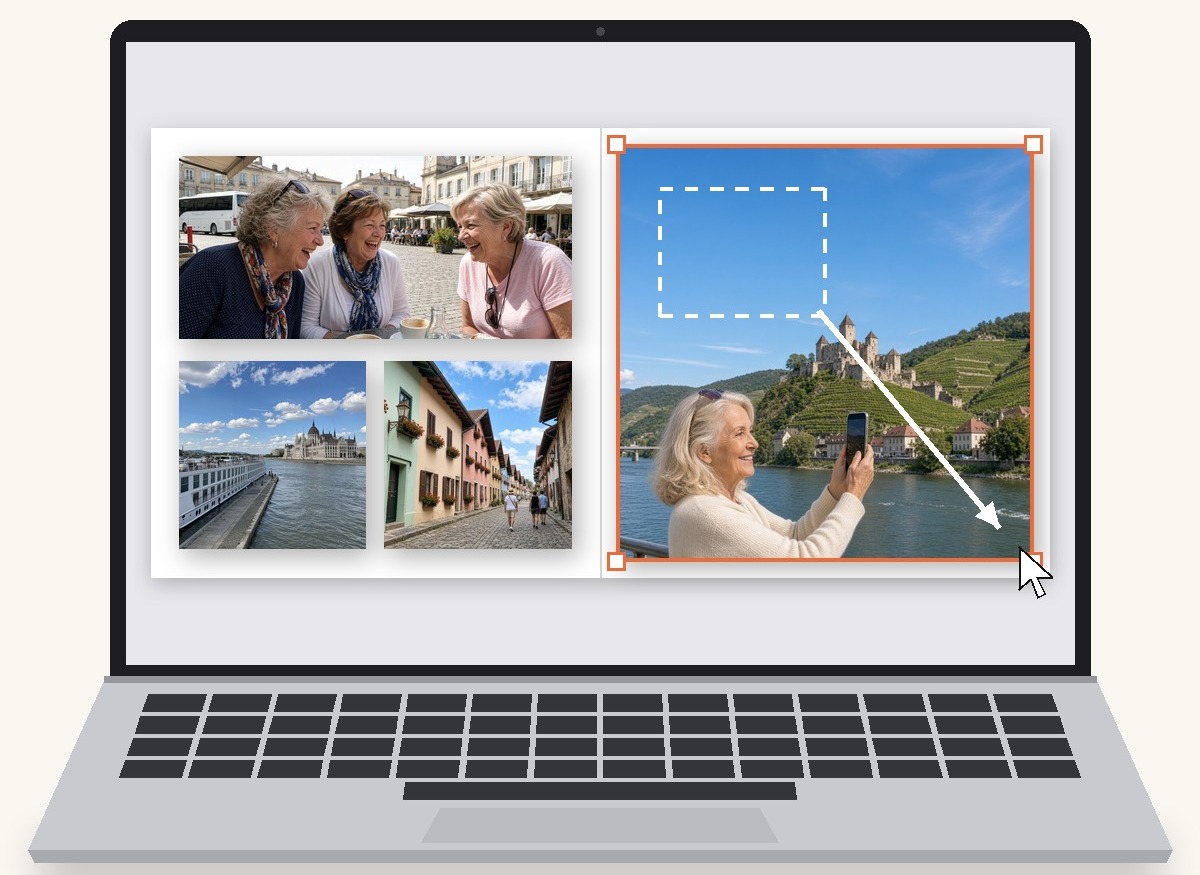
Make a favorite bigger
Grandma wanted some pictures from the cruise to fill a whole page. Click a picture and little dots show up on its corners. Pull a dot out to make the picture bigger, or in to make it smaller.
Add a few words
Grandma typed the name of each town under its pictures, so she’d always remember where they were taken. Click where you want to write, and a little box appears, then type anything you like.
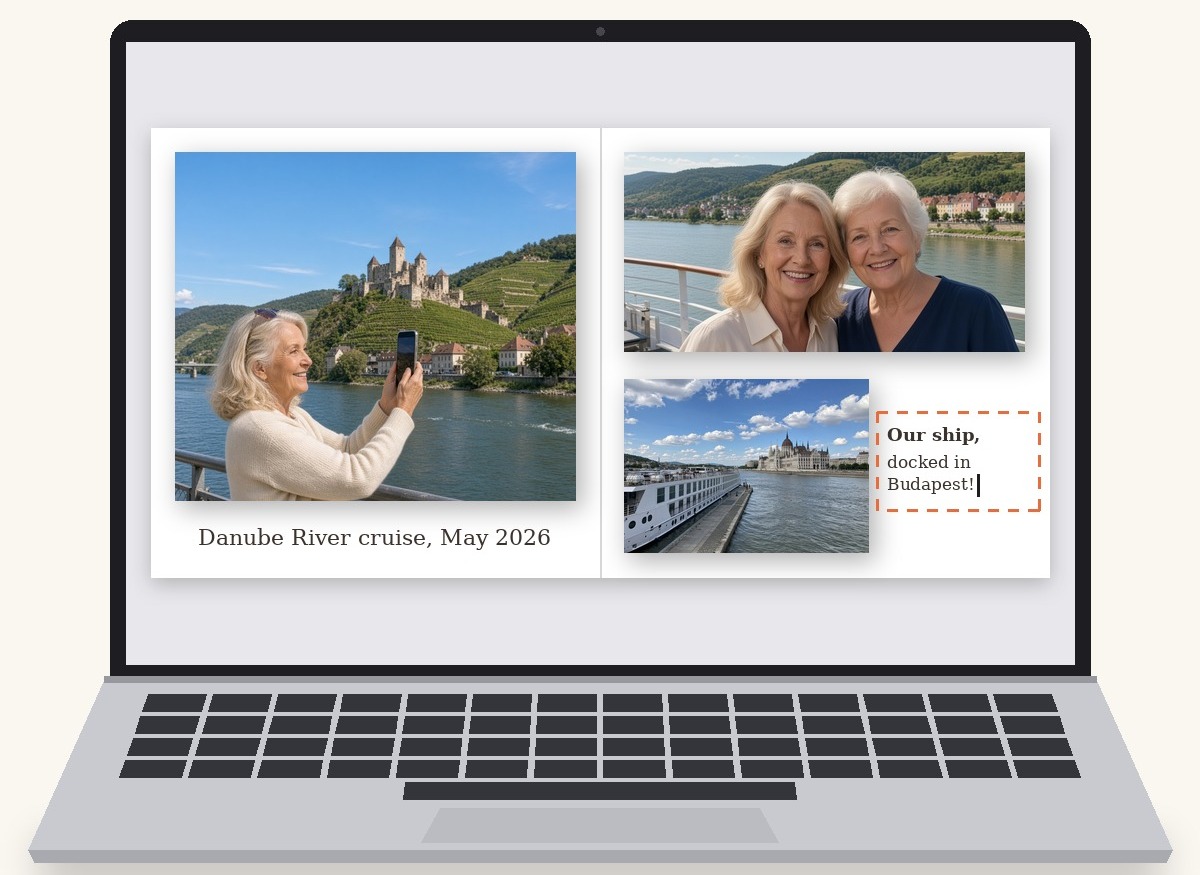
After that, Grandma got the hang of it quickly. Before long she stopped thinking about the computer at all and was telling me the story behind every picture. She ended up putting about eighty pictures across the twenty pages of her book.
5Choose your book and order it to your door.
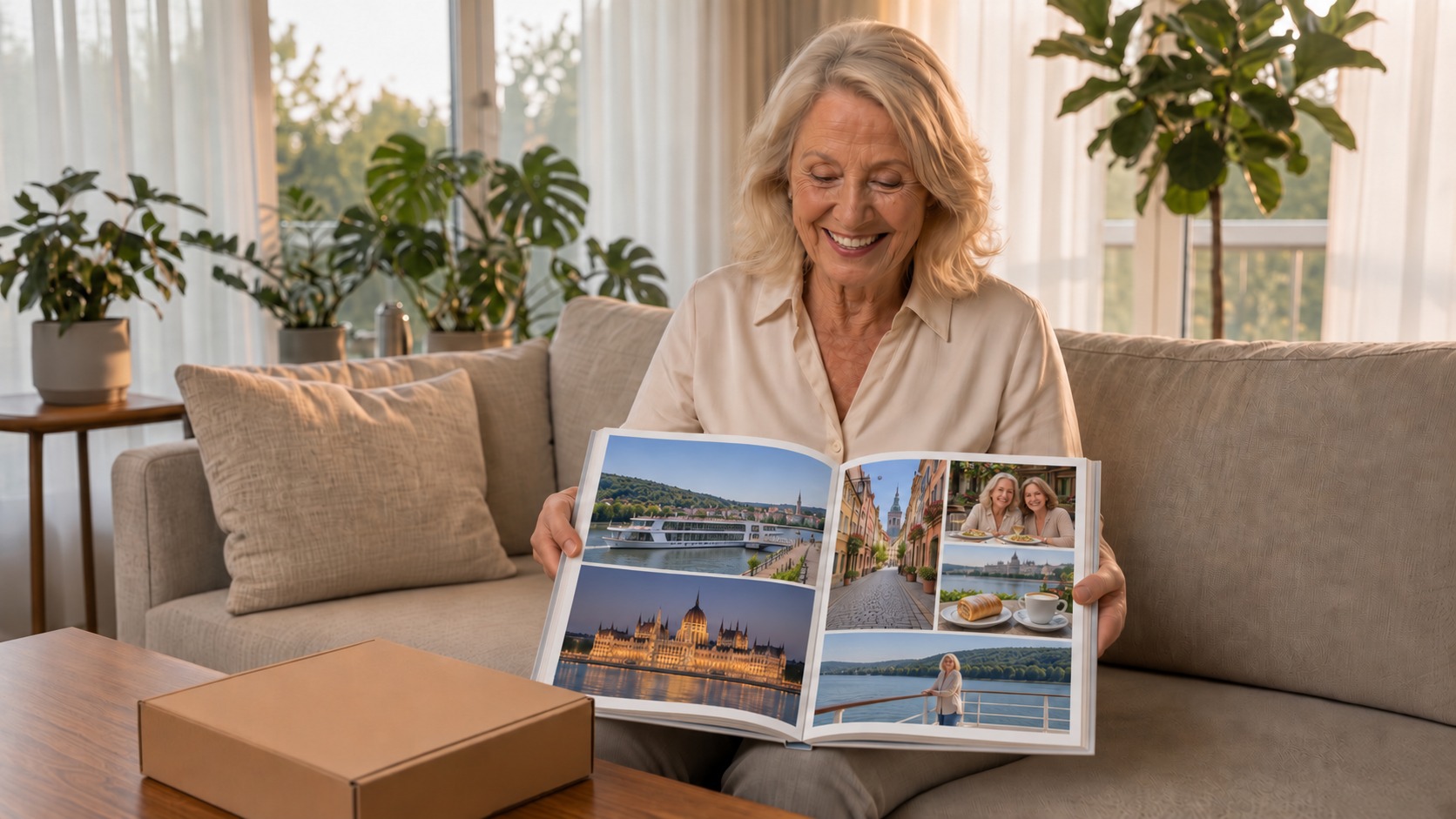
I explained the cover and size options to Grandma, and since she already knows how to buy things online, ordering was no trouble. Mixbook, a well-known company that’s been printing photo books for almost 20 years, printed her book and mailed it right to her door. With the coupons I showed Grandma how to find and use, a 10×10 book with 20 pages usually runs about $40 to $50.
That’s it. No glue, no scissors, no running to the store.
Several days later, the box came. She opened it in her living room and slowly turned the pages, smiling.
That book has been on her coffee table ever since. Everyone who visits picks it up. And the part she’s proudest of is that she made it herself.
“It’s really not hard once somebody walks you through it one time.”
And a printed photo book has a few nice surprises over the old albums. The pictures are printed right on the pages, so they never slide around, fall out, or yellow under the plastic. If someone loves your book, you can order another copy with the click of a button. Grandma ordered one for her sister. They make wonderful gifts for birthdays, Christmas, or just because, and they’re a lovely way to share your memories with the people you care about.
I’ll walk you through it, too
Afterward Grandma said, “I bet a lot of people would do this if somebody would just slow down and show them. You ought to help them too, Juliann, not just me.”
So I did. I recorded videos of every step I showed her, nice and big, at a calm pace. You watch me do a step in the video, pause it, and do the same step on your own computer. Nobody’s rushing you, and nobody’s grabbing the mouse.
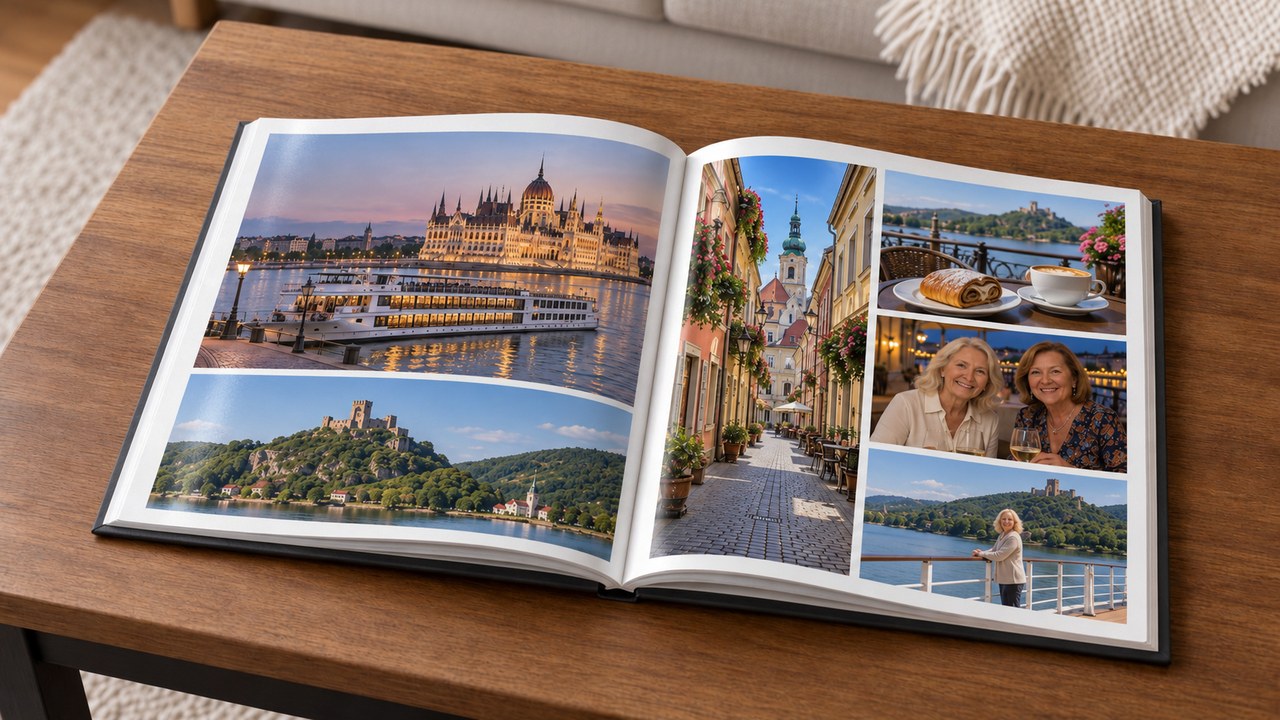
It’s called From Phone to Photo Book.
- 11 step-by-step videos you can take one at a time. Do as much as you like, stop whenever you want, and pick up right where you left off.
- Under every video is a list of each step in it. Click one, and the video jumps right to that part, so you never have to hunt for your place.
- Every click shown on the real Mixbook screen, from your phone to the finished book, explained simply, like I’m sitting right beside you
- A question box under every video, so you can ask me right where you got stuck
- Pay once, watch anytime. Your access never expires, so you can come back for your next book.
What you need: the pictures on your phone, and a laptop or desktop for when you sit down to make your book. Get it now, and you’ll be ready to begin on the next rainy day, whenever you feel like a fun project. And if you’d like one under the tree, there’s still plenty of time before Christmas.
If you get stuck, I’ll help until your book is done. Ask me right under the video, write to help@clickheregrandma.com, or call me at 515-789-3442.
And if it’s not for you, you have 30 days to get every penny back.
$47 one time
No subscription. Your printed book is ordered separately through Mixbook. With the coupons I’ll show you how to find and use, a 10×10 book with 20 pages usually runs about $40 to $50.
You don’t have to be a computer person. You just need someone to sit beside you and show you the new way.
Yes, Juliann, show me how — $47

Questions? Call me at 515-789-3442
P.S. Your pictures are probably on your phone right now, just like Grandma’s were. The trips, the friends, the grandkids. The new way to make a photo album takes an enjoyable afternoon or two, and I’ll be right there with you for every click.
Questions people ask
Can I really do this on my own?
Yes. I walk you through every click, one step at a time, and you can pause and watch any part again as often as you like. My grandma made her first photo book this way, and she’s made several more since.
Can’t I just learn this on YouTube?
You can try. My grandma did. “Those people on YouTube assumed I knew a lot more than I did.” They talk fast and skip right over the parts a beginner doesn’t know. My videos go slowly, start with getting the pictures off your phone, and show every click. And if you get stuck, you can ask me right under the video.
What exactly do I get?
You get 11 step-by-step videos, about an hour and a half in all, where you watch me make a photo book on Mixbook all the way through, starting with getting your pictures off your phone. Watch anytime, the videos never expire, and there’s a question box under every video so you can ask me whenever you get stuck.
Will my book actually look nice?
Yes. What you see on your screen is exactly what arrives in your mailbox, so you keep adjusting until you love it, and I’ll show you how. When it arrives, you’ll be amazed at the quality. It looks like it came from a bookstore.
Can I use my iPad?
Your pictures can start on your phone or iPad. For making the book, you’ll want a laptop or desktop with a mouse, because that’s what I use in the videos, so your screen will look just like mine.
What if it’s not for me?
Then just tell me within 30 days and I’ll refund every penny. I just want you to be happy with your book.